Get the app
Orbit on your phone.
One app for parents and teachers. Sign in with the login your school gave you.
Download for Android
Google Play: coming soon
iPhone: use the web version
On a computer?Scan this code with your phone camera to open this page on your phone.
How to install
Three steps, about a minute.
- 1
Download
Tap “Download for Android” on this page. The file is called Orbit.apk.
- 2
Open the file
Tap the downloaded file. If Android asks, allow your browser to “Install unknown apps” (only once), then tap Install.
- 3
Sign in
Open Orbit and sign in with the username and password from your school. No login yet? Ask your school office.
Parents and teachers
The same app. Your login shows your side.
For parents
- Every child in one app, one login
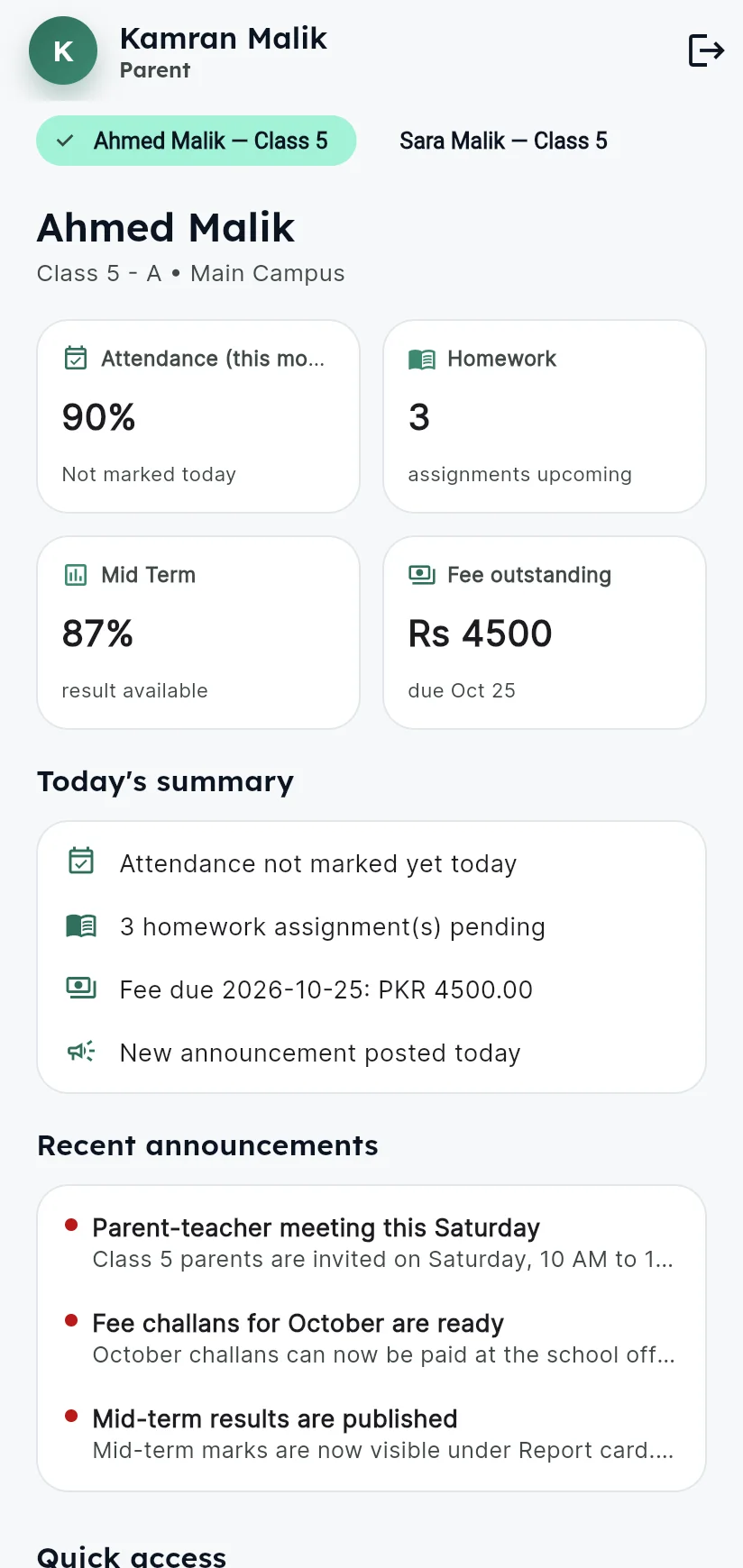
- Attendance, results and report cards
- Fees due, receipts and online payment
- Homework, notices and private messages to the teacher
For teachers
- Mark attendance for your class in seconds
- Enter marks and post homework
- Timetable, exam duties and lesson log
- Apply for leave and download payslips
The app speaks English, Urdu and Sindhi. Change it any time from the app's settings.
Good to know
Questions about the download
Is the app free?
Yes. Parents and teachers never pay for the app; the school's plan covers it.
My phone shows a warning when I install. Is it safe?
Orbit is not on Google Play yet, so Android shows its standard warning for any app installed from outside the Play Store. Only download Orbit from this page. The file is signed by MehdiX Technologies.
How do I update the app?
Come back to this page, download the newest file and install it over the old one. Your login and data stay safe. When Orbit is on Google Play, updates will happen by themselves.
I don't have a username and password.
Your school creates the logins. Ask the school office. Only schools that use Orbit can give you one.
Which phones does it work on?
Android phones. On an iPhone, open Orbit in the Safari browser for now.